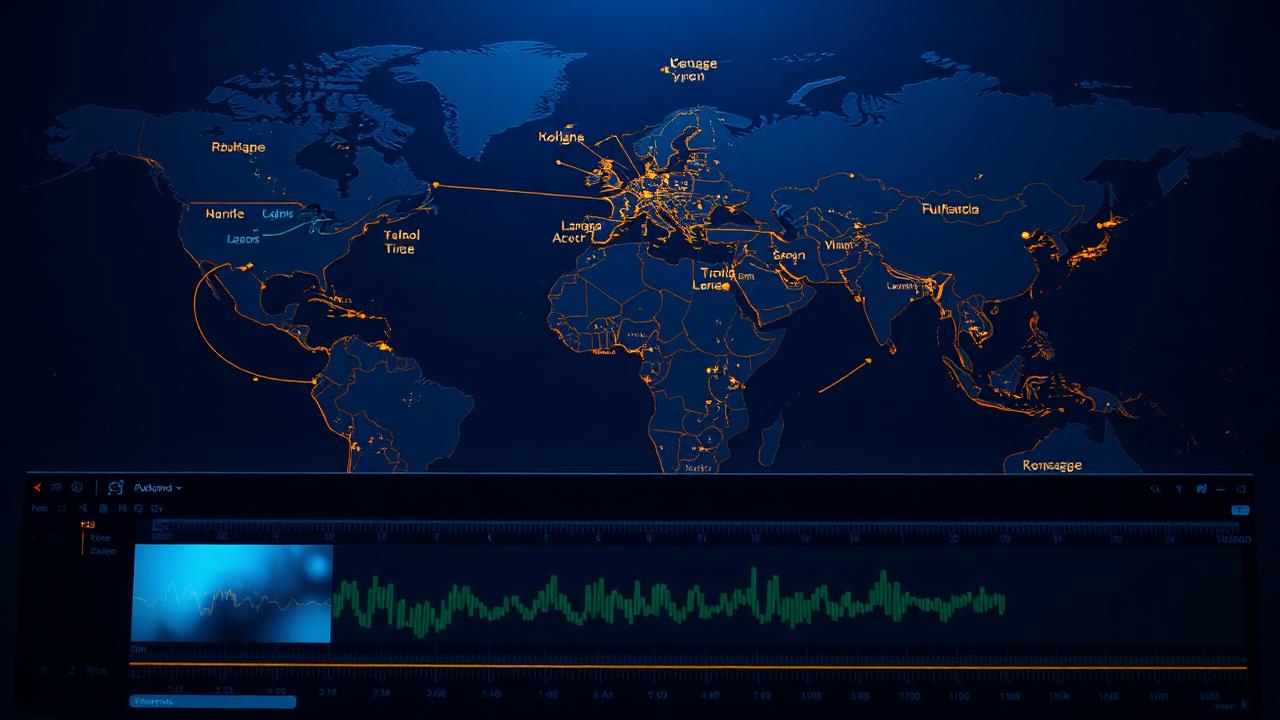
AI dubbing lets a creator speak to audiences in multiple languages without recording every version manually.
For musicians, educators, podcasters, and YouTubers, that can turn one video into a global asset. The challenge is preserving trust.
A dubbed voice should feel like accessibility, not deception.
Best content to dub
Tutorials, interviews, course lessons, product walkthroughs, behind-the-scenes updates, and podcast clips dub well. Songs do not.
Translating sung lyrics while preserving melody, rhyme, and emotion is still unreliable.
If music is involved, dub the spoken intro or explanation, not the song itself.
Tool differences
ElevenLabs Dubbing is strong for natural voice preservation. HeyGen is useful when lip-sync matters.
Rask is workflow-friendly for teams reviewing transcripts and translations. Captions works well for short social videos.
Pick based on whether audio quality, mouth movement, collaboration, or mobile speed matters most.
Transcript first
The transcript is the foundation.
The useful way to evaluate any AI music tool is to run it through a real creator workflow, not a perfect demo prompt.
Start with a rough brief, generate multiple candidates, export the best one, test licensing, and then decide whether the output survives editing in a DAW, video editor, podcast timeline, or client review.
Tools that look impressive in a launch video often fall apart when you need consistent stems, clean exports, predictable pricing, or rights that cover commercial use.
The strongest platforms reduce friction at every handoff: prompt to track, track to stems, stems to mix, mix to master, and master to publish.
Fix names, technical terms, lyrics, brand names, and slang before generating the dub.
A single transcript error can become a mistranslation in every target language.
Cultural adaptation
Good localization is not word-for-word translation. Jokes, idioms, music terminology, and calls to action may need rewriting.
For important launches, have a native speaker review the final script. AI gets you far, but cultural nuance still needs human judgment.
Disclosure and trust
Tell viewers when content is AI dubbed, especially if the voice sounds like you. This builds trust and prevents confusion.
If guests appear in the video, get permission before generating their voice in another language.
Bottom line
AI dubbing is one of the highest-ROI uses of audio AI for creators. Use it for spoken content, review transcripts carefully, and be transparent with your audience.
Editorial verification notes
This guide is written for working creators, so every recommendation should survive a real production workflow rather than only a polished product demo.
We evaluate AI music and audio tools by looking at what they do today in ordinary creator situations: generating a track from a plain-language prompt, exporting usable audio, documenting commercial rights, moving files into a DAW or video editor, and reviewing the final result on consumer playback systems.
Pricing, plan names, generation limits, and license wording can change quickly, so treat exact plan details as a checkpoint to verify on the provider's own site before a paid release, client handoff, advertising campaign, or distribution upload.
The practical guidance in this article is intentionally conservative: use paid tiers for commercial work, keep records of terms and download dates, avoid prompts that imitate living artists, and do not clone or synthesize a person's voice without explicit permission.
How to apply this to a real project
For a real project, start with the job the audio must do.
A song for a release, a background bed for a YouTube tutorial, a podcast intro, a game loop, and a client advertisement all require different decisions.
The safest workflow is to write a short brief before opening any tool: target length, audience, mood, tempo, instrumentation, vocal needs, delivery format, and licensing requirement.
If the brief says “monetized YouTube background music,” you probably need instrumental music with clean commercial permission and low midrange density so narration stays clear.
If the brief says “artist single,” you need stronger songwriting, more arrangement control, and a clear plan for distribution rights.
If the brief says “client campaign,” you need documentation that another business can legally use the audio in the channels they paid for.
Once the brief is clear, generate or test several options rather than trusting the first impressive result.
AI tools are probabilistic: one output can sound finished while the next one misses the hook, vocal tone, tempo feel, or structure.
Save every promising version with the prompt, date, tool, and plan.
When a result is close, improve it through editing before regenerating endlessly.
Trim long intros, cut weak bridges, separate stems, rebalance volume, and compare the result against references at a matched loudness.
A creator who edits decisively will get more professional results than a creator who keeps asking for a perfect one-shot generation.
Quality control checklist
Before publishing, listen for five common failures.
First, check artifacts: watery vocals, metallic cymbals, smeared consonants, clipped transients, or sudden stereo shifts.
Second, check structure: does the piece develop naturally, or does it loop without purpose?
Third, check mix translation: the audio should work on headphones, laptop speakers, phone speakers, and a car system.
Fourth, check levels: loud is not the same as good, and streaming normalization can turn an over-limited master down while leaving it flat.
Fifth, check rights: confirm that the account, plan, and export you used allow the exact use case.
These steps are boring, but they separate publishable creator assets from disposable demos.
Licensing and ownership caution
Licensing is the area where creators make the most expensive mistakes.
“AI-generated” does not automatically mean unrestricted, exclusive, copyright-safe, or suitable for client work.
Many platforms distinguish between free and paid outputs, personal and commercial use, standalone music distribution and synchronized use in video, and your own projects versus work delivered to a client.
Royalty-free libraries have similar limits: a subscription may cover existing published videos but not new use after cancellation, or it may cover social media but not broadcast advertising.
The safest habit is simple: keep a license note in the project folder with the tool name, account plan, export date, intended use, and a copy or screenshot of the relevant terms.
If the use is high-value, legal, political, medical, broadcast, or brand-sensitive, get professional legal review.
Ethics, consent, and trust
Music and voice tools create trust issues that ordinary stock media rarely does.
If a generated vocal resembles a famous artist, a collaborator, a session singer, or a private individual who did not consent, do not use it commercially.
If a voice model is based on a real person, obtain explicit permission that covers synthetic generation, duration, geography, compensation, revocation, and whether the voice can be used for future projects.
If you localize a video with AI dubbing, disclose it when the synthetic voice could confuse viewers.
Transparency does not make the work less professional; it protects the relationship with the audience.
In an era where synthetic audio is easy to make, trust becomes part of the product.
What professionals do differently
Professional creators rarely rely on a single tool for the whole chain.
They combine tools: one for ideation, one for generation, one for stem separation, one for voice or narration, one for mixing, one for mastering, and one for publishing or distribution.
The important part is the handoff between tools.
Export WAV when possible, keep stems organized, name files clearly, write down prompts, and maintain a version history.
Do not master before the arrangement is finished. Do not fix a buried vocal with mastering. Do not use stem separation to avoid sample clearance.
Do not assume an AI master can repair a harsh mix. Each tool has a job, and the final quality depends on whether you ask it to do the right job.
Budgeting and plan selection
Choose plans based on output volume and rights, not only on headline quality.
A hobbyist making demos can use free tiers for exploration, then upgrade only when a track becomes a candidate for release.
A YouTube creator publishing weekly needs predictable commercial coverage and a fast way to make alternates.
An agency needs team workflows, invoices, permission records, and terms that support client transfer.
A musician releasing singles needs distribution-safe terms, high-quality export formats, and a repeatable process for revisions.
Paying for the correct plan is usually cheaper than rebuilding a project after a claim, takedown, or client licensing question.
Practical workflow for AI dubbing for musicians and video creators: localization without losing your voice
For the topic of “AI dubbing for musicians and video creators: localization without losing your voice,” the best approach is to treat the tool or tactic as part of a repeatable system.
Define the creative target, create multiple candidates, document the settings, edit the strongest result, verify the license, and only then publish.
If the output includes vocals, spend extra time on diction, sibilance, phrasing, consent, and audience expectations.
If it is instrumental, test how it behaves under speech and whether the loop or ending feels intentional.
If it is a comparison between tools, run the same source material or prompt through each option and judge the result at the same loudness.
If it is a mastering or production workflow, compare against references without being fooled by volume.
Common mistakes to avoid
The first mistake is chasing novelty over usefulness.
A strange generation can be exciting, but the project needs audio that supports the listener's experience.
The second mistake is ignoring editing.
Even strong AI outputs usually need trimming, leveling, noise cleanup, arrangement changes, or a different ending.
The third mistake is assuming every platform's commercial rights are the same. They are not.
The fourth mistake is prompting by celebrity imitation instead of musical traits.
Describe tempo, instrumentation, era, arrangement, texture, and emotion rather than asking for a living artist.
The fifth mistake is publishing too quickly. Sleep on important releases, then listen again.
Problems are easier to hear after your brain stops being impressed by the speed of generation.
Accuracy limits and what to re-check
The most time-sensitive facts in AI audio are pricing, model versions, generation quotas, commercial rights, attribution rules, and export formats.
A provider may change a plan without changing the public reputation of the product, so always verify those details when money or client delivery is involved.
Sound quality also changes as models update. If you tried a tool six months ago and dismissed it, retest it with your current workflow.
If you loved a tool six months ago, retest before recommending it to a client because the license or feature bundle may have moved.
Accurate editorial advice in this space is less about pretending nothing changes and more about giving you a workflow for checking the right things.
There are also legal limits to certainty.
Copyright treatment for AI-generated music varies by jurisdiction and can depend on human authorship, platform terms, source material, and how the output is used.
This article avoids promising that any output is automatically copyrightable, exclusive, or risk-free.
For ordinary creator use, the practical question is usually whether the platform contract allows your intended use and whether the output creates obvious imitation or consent problems.
For high-value commercial uses, contract review matters more than any blog post.
Team and client handoff
If other people will touch the project, make the handoff obvious.
Put the final audio, stems, license note, prompts, exported terms, and version history in one folder.
Use names such as “youtube-intro-paid-plan-export-2026-04-18.wav” instead of “final-final-3.wav.” If the work goes to a client, include a short plain-English usage note: what the audio is, which tool created it, the date, and the intended channels.
This reduces confusion and makes your work look more professional.
It also protects future you when someone asks why a track was chosen, whether it can be reused, or which account generated it.
Accessibility and audience experience
Good audio is not only about production polish. It should support the listener.
In videos and podcasts, music must leave space for speech, especially for viewers using small speakers or captions.
In games, loops should avoid fatigue. In educational content, novelty should not distract from comprehension.
In social clips, the first second matters but the sound should not punish repeat listening.
AI tools make it easy to generate more audio than you need; editorial restraint is the skill.
Use silence, shorter cues, simpler arrangements, and lower volume when the story or information needs room.
Maintenance workflow
Revisit important audio assets periodically.
If a channel theme, podcast intro, game loop, or campaign cue becomes part of your brand, store the project files and note how to recreate it.
When a platform improves, you may want to generate a cleaner alternate.
When terms change, you may need to know which older assets were created under which license.
When your brand evolves, you may need stems or shorter edits. A professional workflow assumes future revisions.
Keeping the context now saves hours later.
Final recommendation
Use AI audio tools for leverage, not autopilot.
They are excellent for drafts, variations, background beds, localization, stems, quick masters, and fast creative exploration.
They are weaker at judgment, cultural nuance, long-term brand identity, and emotional truth.
The winning workflow keeps a human in charge of the brief, the edit, the license decision, and the final taste call.
If you follow that principle, the tools covered in this guide can save hours while still producing work that feels intentional, rights-aware, and ready for a real audience.